
CyberLink PhotoDirector Ultra is the flagship photo editing software from CyberLink, positioned as a powerful alternative to Adobe Lightroom and Photoshop. It integrates AI-driven editing tools with professional-grade color correction, lens correction, and a full layer-based compositing workspace. The “Ultra” version includes all advanced features, premium content, and exclusive AI plugins, making it a complete solution for editing, enhancing, and organizing photo libraries from raw development to creative artistry.
PhotoDirector Ultra is developed for photographers, photo editors, graphic designers, and visual content creators. It is specifically designed for professionals and enthusiasts who need a comprehensive, non-destructive photo editing suite that combines powerful AI tools, advanced color grading, layer-based compositing, and efficient digital asset management (DAM) in a single workflow.
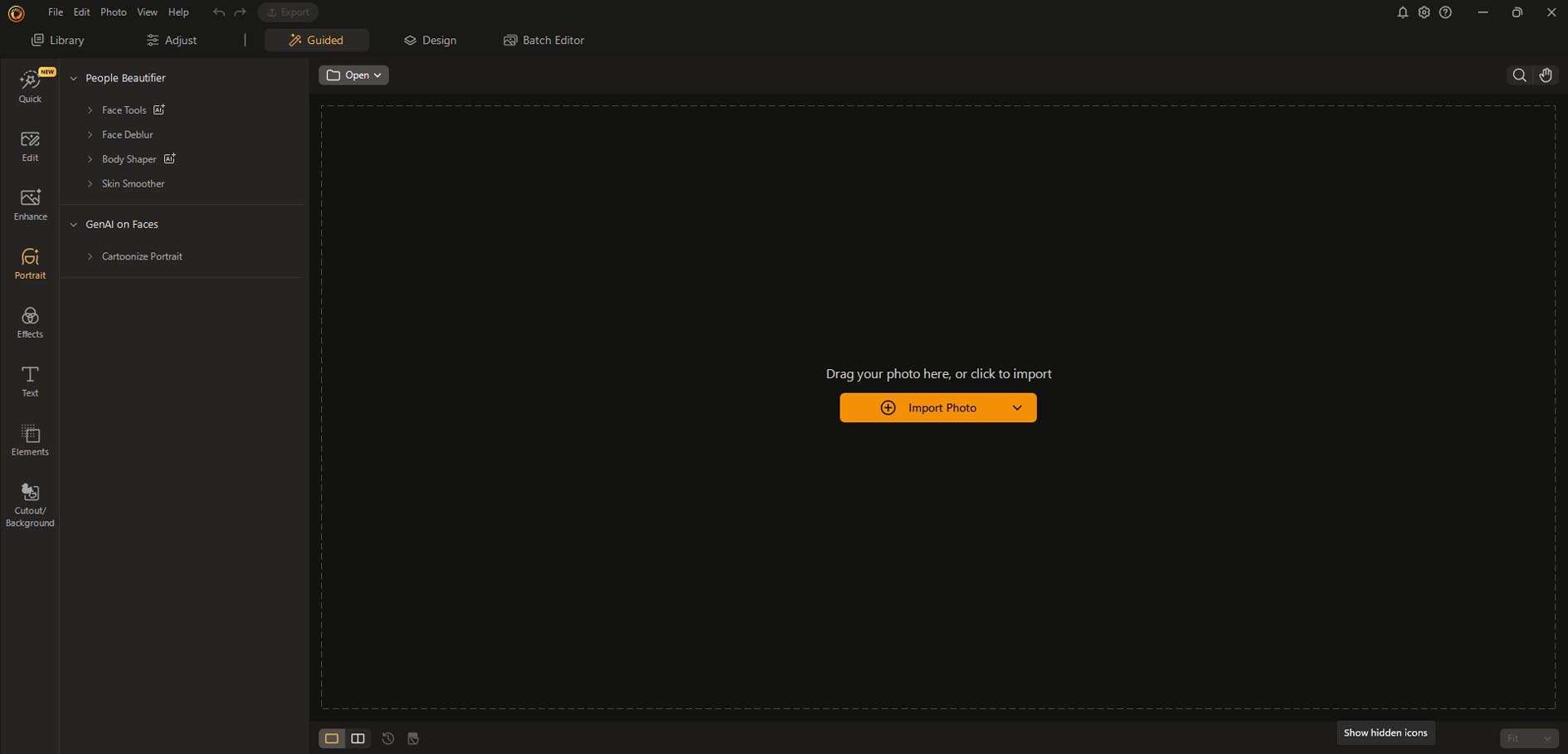
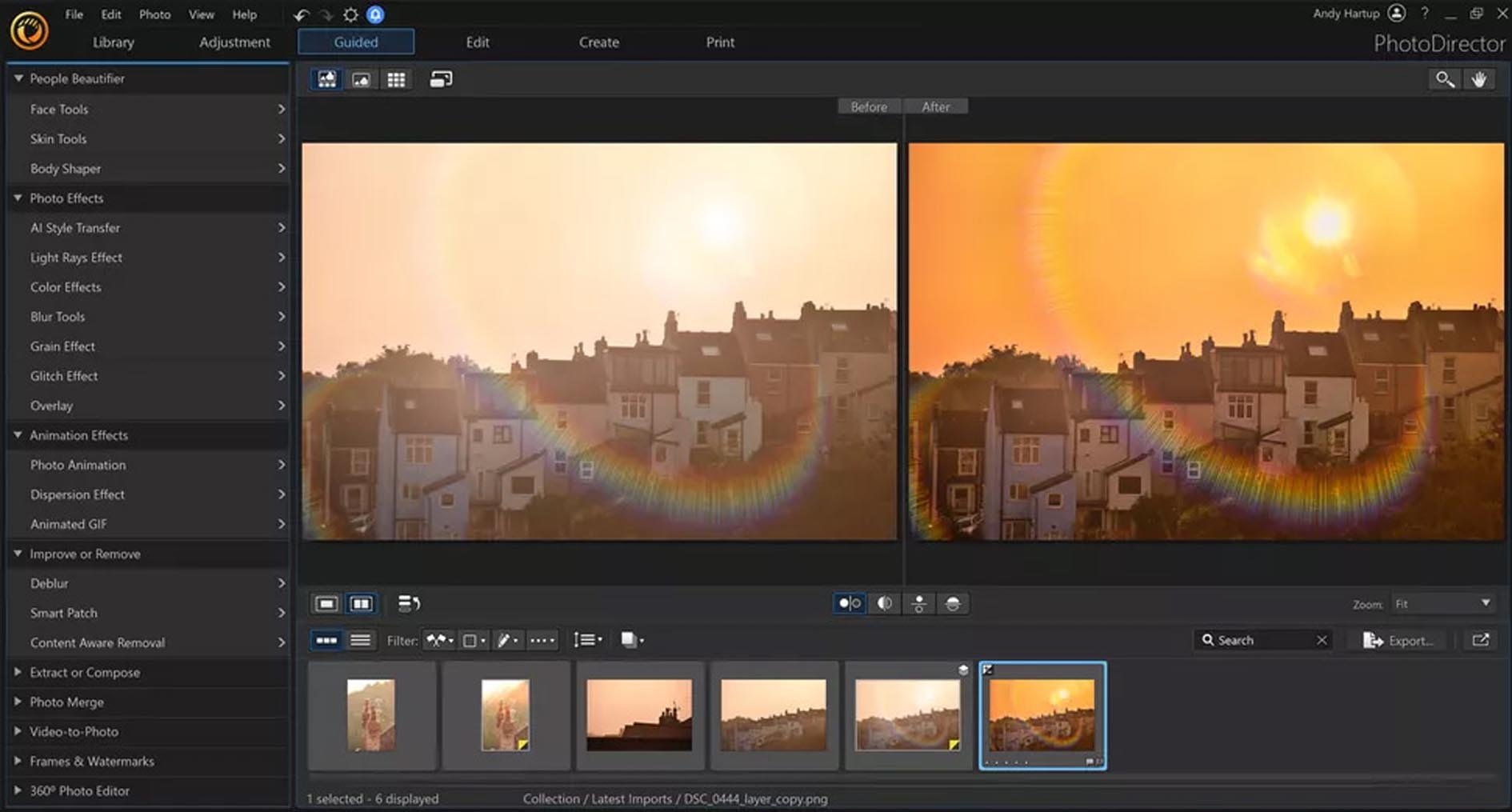

AI-Powered Editing Tools: Features like AI Style Transfer, AI Sky Replacement, AI Portrait Perfection (skin smoothing, facial reshaping), AI Noise Reduction, and AI Object Selection & Removal.
Non-Destructive Layer Editing: Full layer support with blend modes, masks, and adjustment layers for complex composites and edits without altering the original image.
Professional Color Grading & RAW Development: Advanced color wheels, LUT support, tone curves, and a dedicated Develop module for processing RAW files from over 1,000 camera models.
Digital Asset Management (DAM): Built-in library module for organizing, rating, tagging, and searching large photo collections by faces, locations, and keywords.
Creative Tools & Effects: Includes lens flare effects, light streaks, bokeh overlays, customizable textures, and a wide range of creative presets and filters.
360° Photo Editing & HDR Merge: Specialized tools for editing 360-degree equirectangular photos and merging multiple exposures into HDR (High Dynamic Range) images.
Plug-in Support & Batch Processing: Supports external Photoshop-compatible plugins (8BF) and offers powerful batch processing for applying edits to hundreds of photos at once.
The 2026 release introduces next-generation AI models, real-time collaboration, and performance breakthroughs:
AI ClearView v3.0: A significantly enhanced AI-powered dehazing and clarity tool that better removes atmospheric fog and improves long-distance detail with fewer artifacts.
AI Denoise 2.0: A new deep learning model for noise reduction that preserves significantly more fine texture and detail in high-ISO images compared to previous versions.
Real-Time Cloud Collaboration (New): A new cloud workspace for sharing photo libraries and projects with team members or clients, allowing for real-time comments and shared edits (Ultra feature).
Performance Engine “Nova”: A newly architected core engine that leverages GPU acceleration more effectively, resulting in up to 3x faster applying of AI tools, brush strokes, and image exports.
Expanded Content & Plugin Suite: New premium AI plugins (e.g., AI Skin Enhancer Pro), hundreds of new LUTs, sky replacements, and overlays included in the Ultra bundle.
OS: Windows 10 (64-bit) version 1809
CPU: Intel Core i5 or AMD equivalent (6th generation or newer with SSE4.2 support)
RAM: 8 GB
GPU: DirectX 12 compatible graphics card with 2 GB VRAM (Intel HD Graphics 5000 / NVIDIA GeForce 800 series / AMD Radeon R5 series)
Disk Space: 6 GB available space for installation
Display: 1280 x 768 resolution, 100% scale
OS: Windows 10/11 (64-bit) 22H2 or later
CPU: Intel Core i7/i9 or AMD Ryzen 7/9 (10th generation or newer, 8-core+ recommended)
RAM: 32 GB or more
GPU: NVIDIA GeForce RTX 3060 / RTX 4060 or AMD Radeon RX 6600 XT with 8+ GB VRAM (Critical for AI feature speed)
Disk Space: 20 GB available space on a fast NVMe SSD
Display: 3840 x 2160 (4K UHD) resolution with 100% scale, calibrated monitor recommended
Other: Internet connection for activation, cloud features, and accessing AI services.
Price: 125 $
Price Currency: $
Operating System: Windows
Application Category: Graphics












Reviews
There are no reviews yet.