
Microsoft Safety Scanner is a portable, on-demand virus and malware scanner provided by Microsoft. Unlike Microsoft Defender Antivirus (which is resident and real-time), Safety Scanner is a standalone tool that runs a quick, targeted scan when downloaded. It uses the same updated malware definitions as Microsoft Defender to detect and remove viruses, spyware, and other malicious software. It is particularly useful for scanning systems that may have an impaired or compromised primary antivirus solution.
Microsoft Safety Scanner is an on-demand malware scanning and removal tool designed for IT Support Professionals, System Administrators, Security Analysts, Managed Service Providers (MSPs), and Advanced Users who suspect a Windows system is infected and need a portable, up-to-date scanner from a trusted source to detect and remove prevalent malware.
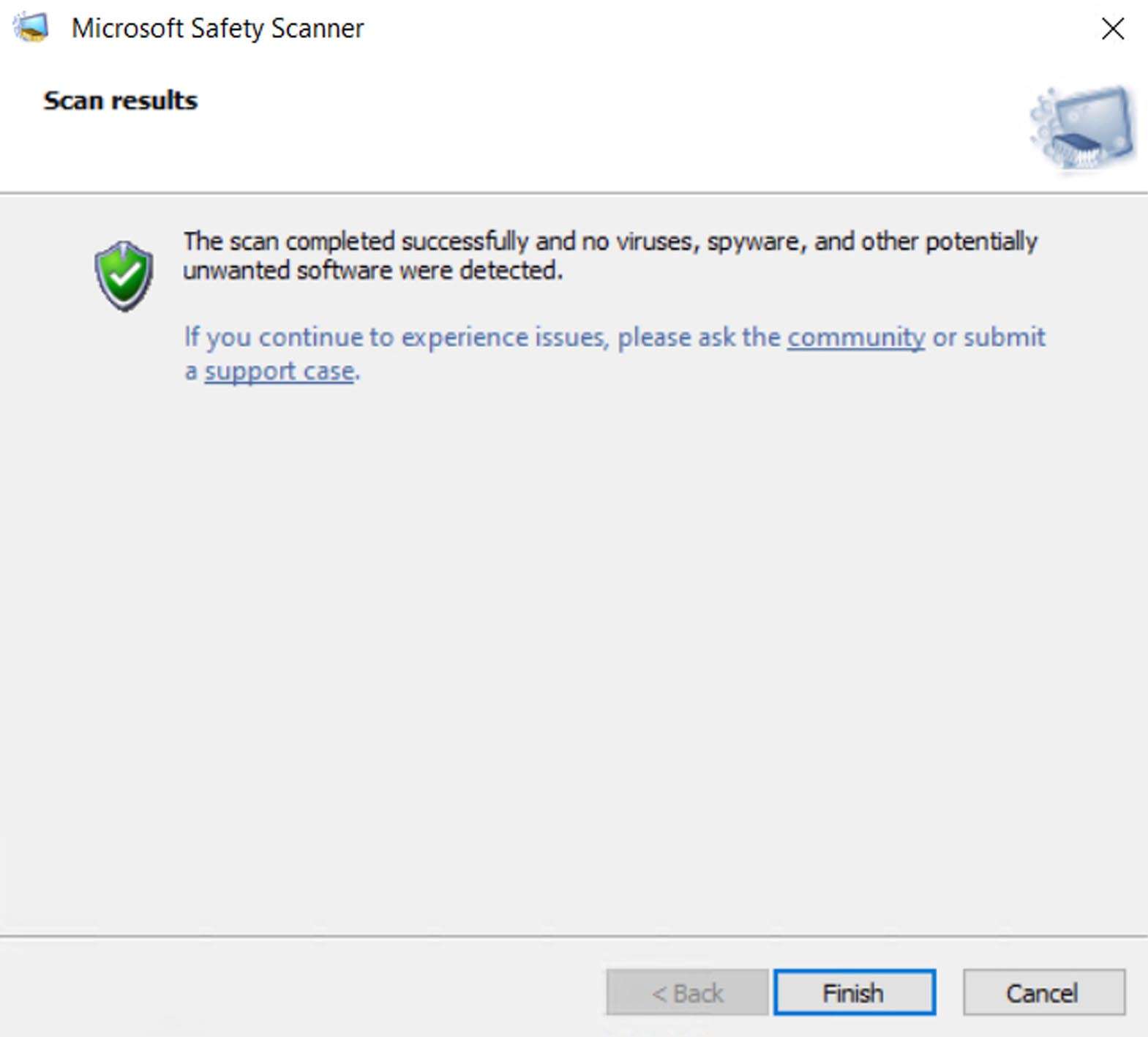
On-Demand Scanning: Provides three scan types: Quick Scan (checks memory and common infection locations), Full Scan (checks all files and running programs), and Customized Scan (user-defined locations).
Up-to-Date Malware Definitions: The tool is updated frequently (several times a month). Each download is a new, 10-day-valid executable containing the latest threat definitions from Microsoft at the time of download.
Targeted Malware Removal: Focuses on detecting and removing active, prevalent malware threats identified by Microsoft’s security teams.
Integration with Microsoft Security Intelligence: Leverages Microsoft’s vast cloud-based security intelligence for detection heuristics.
This version represents the latest build with updated threat definitions; the core engine changes infrequently.
Updated Malware Signature Definitions: Contains the very latest virus and threat definitions as of the build date, ensuring detection of recent malware families.
Engine Refinements (if any): Minor improvements to the scanning engine’s detection logic and performance, rolled out by Microsoft.
OS: Windows 11, Windows 10, Windows 8.1, Windows 7 (with latest Service Packs). Both 32-bit and 64-bit versions are available.
CPU: 1 GHz or faster processor.
RAM: 1 GB for 32-bit or 2 GB for 64-bit.
Storage: Sufficient free space to download and run the tool.
Other: Internet connection required for initial download to obtain the latest definitions packaged within the tool.
Price: 125 $
Price Currency: $
Operating System: Windows
Application Category: IT








Reviews
There are no reviews yet.