
MatchWare MindView is a premier professional mind mapping and visual project planning software that goes far beyond simple diagramming. It enables users to visually brainstorm ideas, organize complex information, and then seamlessly transform those mind maps into structured project plans, presentations, and written documents (like Word outlines or PowerPoint slides). Its unique strength lies in its bi-directional integration with Microsoft Office, allowing for dynamic data flow between visual maps and linear Office formats.
It is used to enhance productivity, improve learning outcomes, and streamline project workflows in corporate, educational, and governmental settings.
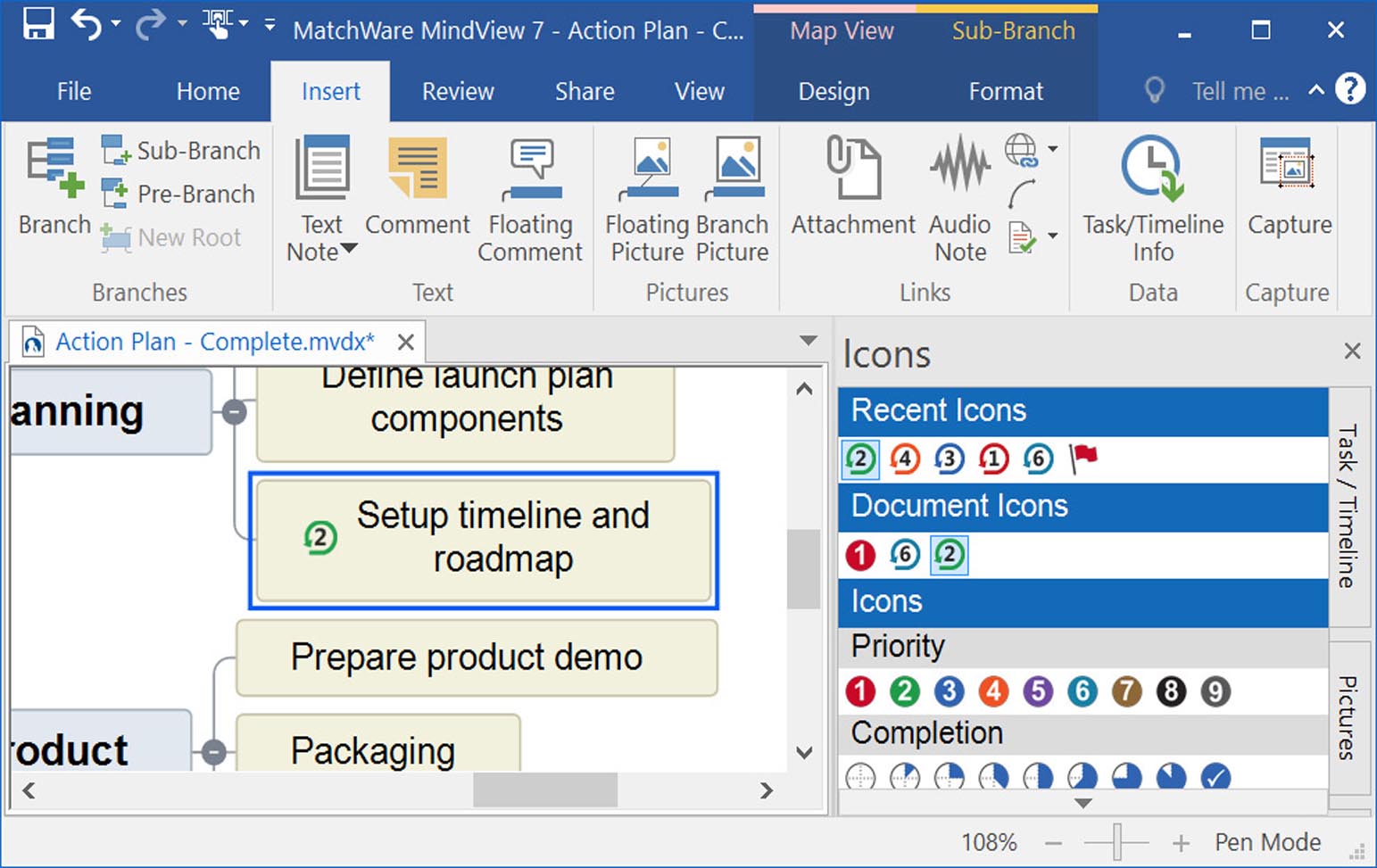
Key Features & Capabilities
MindView distinguishes itself with powerful output and integration features tailored for professional and academic use.
Core Mind Mapping & Visualization:
1. Advanced Mind Mapping:
· Multiple Map Layouts: Classic mind map, timeline, organization chart, concept map, and fishbone (cause & effect) diagrams.
· Rich Content: Attach notes, icons, images, hyperlinks, and attachments to any branch.
· Visual Styles: Extensive formatting options for colors, shapes, and themes to create visually impactful maps.
2. Project Planning & Management:
· Gantt Chart View: Instantly convert any mind map into a fully-featured, MS Project-style Gantt chart. Assign resources, durations, dependencies, and track progress.
· Task Management: Set priorities, milestones, deadlines, and percentage complete on branches.
· Critical Path Analysis: Automatically calculates and highlights the critical path in your project timeline.
3. Microsoft Office Integration (Key Feature):
· Bi-Directional Export/Import: Export maps to Microsoft Word (as structured outlines), PowerPoint (as presentation slides), Excel (as task lists), and Outlook (as calendar events).
· Import from Word/Project: Start with a linear document and convert it into a visual map for restructuring and brainstorming.
· Cite While You Write: Unique tool for students to insert citations and generate bibliographies directly in Word while planning in MindView.
4. Learning & Presentation Tools:
· Presentation Mode: Turn your mind map into a dynamic, non-linear presentation that follows your narrative flow.
· Study & Research Aids: Features like citation manager (supports APA, MLA, Chicago styles) and note-taking templates make it popular in education.
Latest Version Enhancements:
· Modernized User Interface: A cleaner, more intuitive ribbon-based interface.
· Enhanced Cloud Collaboration: Improved real-time co-editing and sharing via MatchWare Cloud or integration with Microsoft Teams.
· Improved Performance: Faster loading and rendering of large, complex maps.
· Expanded Visual Asset Library: New icons, images, and templates.
· Stronger Data Integration: Enhanced import/export filters and data linking capabilities.
🖥️ System Requirements
MindView is designed to run well on standard modern computers. The minimum system requirements are Windows 10/11 or macOS 10.14+, a 1 GHz processor, 2 GB of RAM (4 GB recommended), 500 MB of free disk space, and a display with 1024×768 resolution. Microsoft Office 2016 or later is required for full integration features.
Price: 125 $
Price Currency: $
Operating System: Windows
Application Category: Productivity












Reviews
There are no reviews yet.