
Mividi VideoWall is a comprehensive software solution for creating, managing, and displaying content on video walls of any size and configuration. It allows users to transform multiple individual displays (LCD/LED panels, projectors) into a single, seamless canvas for dynamic content. The software handles content scheduling, real-time data input (RSS, weather, social media), and provides remote control over the entire display network from a central location, making it ideal for control rooms, corporate lobbies, retail stores, and event venues.
Mividi VideoWall is developed for AV integrators, digital signage operators, control room managers, event producers, and retail marketing specialists. It is specifically designed for professionals who need to manage, control, and schedule content across complex video wall displays, multi-screen installations, and digital signage networks.
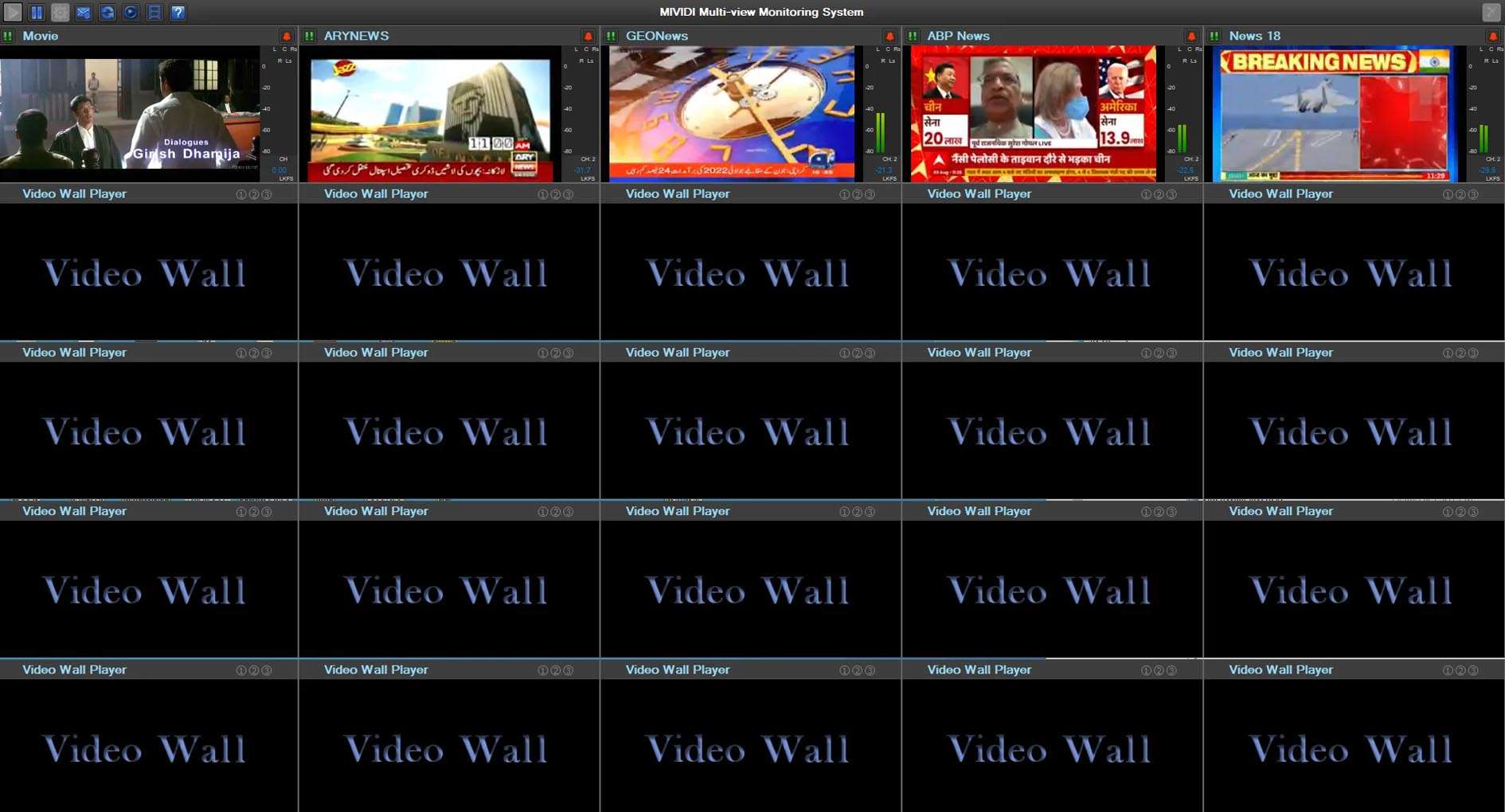
Flexible Video Wall Canvas Design: Intuitive tools to define a video wall layout of any shape and size (e.g., 2×2, 3×5, curved walls) by arranging virtual “screens” on a grid.
Multi-Layer Content Scheduling & Playback: Layer and schedule diverse content types (videos, images, live TV, web pages, PowerPoint, real-time data feeds) with precise timing and zoning on the wall.
Real-Time Data Integration (Databases & RSS): Connect to data sources (XML, JSON, RSS, SQL databases) to display live information like news tickers, stock prices, flight info, or social media feeds directly on the wall.
Advanced Window Management & App Integration: Display and control live applications (like web browsers, VLC, or custom software) in specific zones or across the entire wall canvas.
Remote Management & Monitoring: Centralized management console to control, update, and monitor the status (health, temperature, brightness) of all players/displays in the network from a single PC.
Content Playback & Synchronization: Ensures perfect frame-accurate playback and synchronization across all displays in the wall, even with high-resolution or 4K content.
Failover & Redundancy: Professional features for mission-critical installations, including automatic backup player switching if a primary player fails.
Version 3.2 introduces significant enhancements in user experience, content creation, and system robustness:
Redesigned User Interface (UI): A modern, streamlined interface with a more intuitive layout for content scheduling, zone management, and device monitoring.
Enhanced HTML5/Web Content Engine: An updated, more powerful integrated web browser engine for displaying interactive web content and web-based applications with better performance and compatibility.
Improved Multi-Touch & Interactivity Support: Expanded tools for creating interactive video walls that respond to touch input, gestures, or external triggers (sensors, APIs), ideal for public installations.
Advanced Content Transition & Effects: New visual transitions and effects for smoother content changes between scheduled items and layers.
Expanded Hardware Support & Player Optimizations: Support for newer hardware players (like Intel 12th/13th Gen NUCs) and optimizations for smoother 8K playback across multiple 4K outputs.
For the Design/Control PC (Creator):
OS: Windows 10/11 Pro (64-bit)
CPU: Intel Core i5 or equivalent (i7 recommended for designing complex layouts)
RAM: 8 GB minimum (16 GB recommended)
GPU: Dedicated graphics card with 2 GB+ VRAM
Disk Space: 2 GB for installation
Network: Gigabit Ethernet for communicating with player PCs
For Player PCs (Display Output):
OS: Windows 10/11 IoT Enterprise or Pro (64-bit, stripped-down versions possible)
CPU/GPU: Depends on output resolution and content. For 4K outputs per display, a powerful Intel/AMD CPU with integrated graphics or a dedicated GPU is required.
RAM: 4 GB minimum (8 GB recommended for 4K)
.
Price: 145 $
Price Currency: $
Operating System: Windows
Application Category: Other












Reviews
There are no reviews yet.