

Latest update
License Price
OS
Available versions: 2024, 2023 , 2022 , 2019.1 , 2017.1
Emerson softwares: Paradigm, Geolog, Skua Gocad

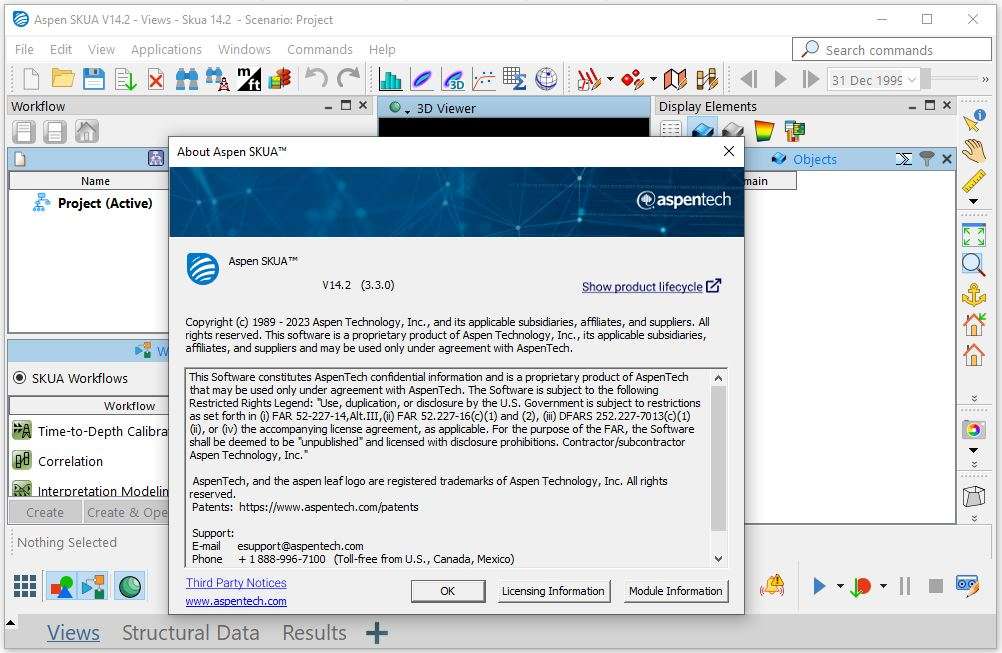
SKUA-GOCAD Launched by the well-known company Emerson Paradigm, GOCAD is a product that has led the industry for more than 20 years in providing the most advanced seismic, geological and reservoir modeling capabilities. This program is a major leap forward in geological characterization.
Earth scientists can use it to combine complex model structures, complex faults such as salt domes, inverted faults, and inverted faults. Based on the proprietary UVT Transform algorithm, the program reduces the modeling time from months to days. In 2013, GOCAD merged with Paradigm SKUA to create an advanced modeling application on the market, and SKUA-GOCAD is now running independently or in Paradigm Epos, and has the ability to load GOCAD and SKUA application projects. is.

– Using a user interface based on simple workflow
– Addressing the complexities of rigid modeling
– Existence of a general ground model to meet the overall goals of your team
– Seismic interpretation and reservoir simulation workflow – Interpretive
structure and geological modeling
– Modeling based on the progress of production and optimization of reserves
– Correcting and integrating the source of doubt with risk analysis
– Has a common workspace for easy cooperation and sharing
– and …
In the Defining Volume of Interest task, you can now edit the orientation and extension of the box
computed from the data.
A new command SKUA Model > Tools > Auto-Detect and Remove Inconsistencies is now available.
It complements the existing tools in the workflow for which you have a control on the region to
smooth.
Multiple new commands under SKUA Model > New are now available to enable the custom creation
and QC of structural models and Geologic Grids.
The default issue report fix for Small fault throw detected has been changed to Add Fault to List.
When computing unit thickness between two horizons, a new property thickness_VALID is now
computed. The thickness is computed as the intersection of the normal of each triangle from the
origin surface with the target surface or any fault surface. The thickness is valid only if the intersection
is on the target surface and not on any fault surface.
In the Create Cross Section panel, you can now automatically set the section dimensions from the
displayed objects in the viewer. On the left of the XY table, specify the scaling factor, and then click the
new Set XY dimensions button.
In the Balanced Cross Section Viewer, you can now display an image imported as a voxet.
In the Edit Fault Block panel, the table to compare the restoration methods has been improved:
A restored area metrics and its ratio to original model has been added.
You can use the new buttons to show or hide all applied methods at once.
Price: 0 $
Price Currency: $
Operating System: Windows
Application Category: Oil & Gas Engineering
Latest update
License Price
OS









Reviews
There are no reviews yet.