

Latest update
License Price
OS
Available versions: 2019.09, 2022.1
Neura softwares: NeuraLog, NeuraMap, NeuraSection, NeuraDesktop, NeuraView
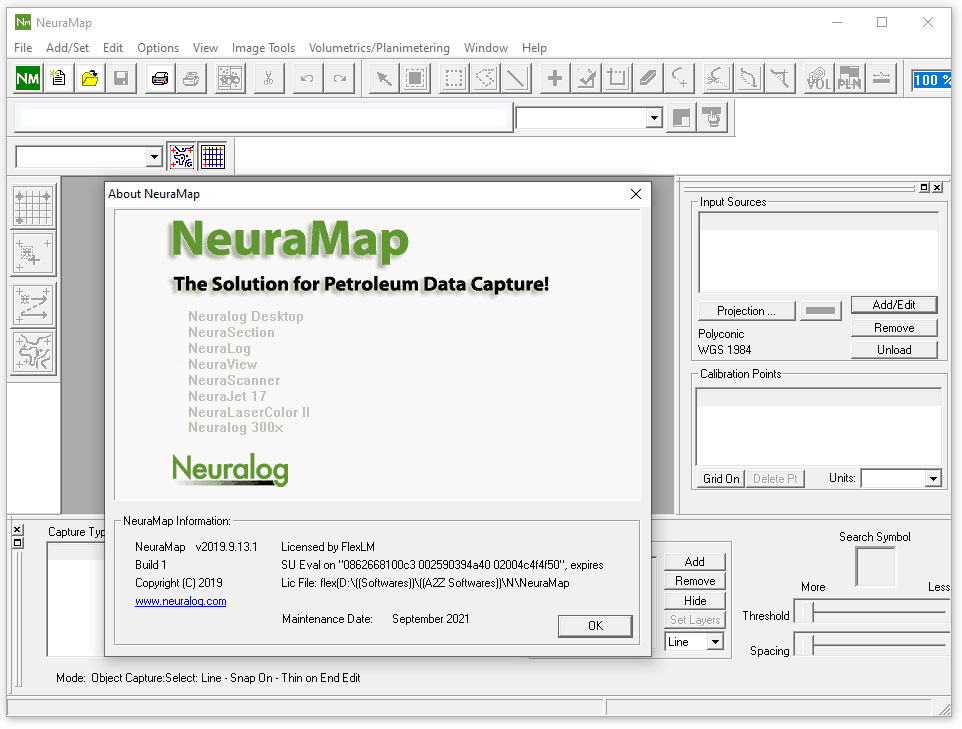
NeuraMap started as a map digitizing solution for geoscientists. This automated map digitizing solution works on hand-drawn, scanned map images and digital maps. Map digitizing is a critical component of working with map data for analysis as well as preserving map data for future projects. All relevant map data can be digitized and captured such as contours, faults, lines, points, and symbols. Whether you are digitizing your map data for further analysis or digitizing to preserve your data for future use, NeuraMap makes map digitizing easy for today’s geoscientists.
NeuraMap is the software of choice for computing Reservoir Volumetrics and Reserves. Use hand-drawn maps or import map vectors and instantly make Volumetrics and Reserves calculations on your reservoir. Standard formulas can be customized and any needed parameters input. Getting at this critical information has never been this easy.
Automated Tracing
Neural Network Speed and Accuracy drive tracing algorithms for better-than-human tracing with highlighting of the contours for immediate feedback during the digitizing process.
Automated Map Digitizing
NeuraMap is a digitizing, transformation, and QC system that allows you to work with your paper maps, cross-sections, x-y plots, and other proprietary data. Legacy data can be read by NeuraMap and overlaid on the original image for QC and editing. Data can be re-projected to any of over 40 Map Systems and 400 Datums, or custom systems can be created. Digital data can be exported, or your document can be marked with information such as calibration and projection for reprint. Raster maps can be directly georeferenced and reprojected without digitizing.
Automated Data Capture
Color images are separated on the fly to aid in color-coded digitizing.
Printing
Maps in Image or Digital format can be printed with any Windows standard printer.
Scanning
Maps can be scanned with the NeuraScanner directly into NeuraMap to prepare for digitizing.
Distortion Correction
The effects of image skew and stretch are automatically eliminated through calibration.
Intelligent Map CalibrationWizard-based interface guides the entry of unlimited calibration points.
Worldwide Map Systems
The latest Blue Marble Geographics is incorporated to support over 12,000 mapping systems plus user-defined systems.
Industry Standard Output Formats
NeuraMap has been crafted to meet industry standards in input/output formats. GeoTIFFs, in addition to many vector formats, are readily exported in the projection of your choice. NeuraMap is the industry solution for workstation-ready map data.
Adjustable Image Orientation
Images may be correctly oriented through rotation or mirror.
Multi-Source Input and Display
Raster images and compatible databases can be used for data input. Multiple images can be merged into one seamless data set. Differently projected data can be synchronized geographically.
Multiple sources can be opened at once with vectors displayed in all source documents. Vector and Image data sources can be merged for quality checks.
Easy Attribute Entry
Pop-up menus make entering repeated text strings easy. Incremental numeric data is computed automatically. Unlimited attributes can be defined for each object and legal values defined.
GeoTIFF Export (ArcView World Image File)
GeoTIFFs can be created from any scanned image using any Map System. Choose Affine or Exact. Produce GeoTIFFs for industry applications such as ArcView, GeoGraphix, PETRA, and Petrosys.
Layered Output
Data can be output in layers according to type and data source.
Database Translation
Data from any supported database can be input and then output in any supported database format.
Data Quality and Map System Report An ASCII report is generated after each NeuraMap export.
Volumetrics Calculation and Reporting
Reserves Calculation and Reporting
Customizable reports
Price: 0 $
Price Currency: $
Operating System: Windows
Application Category: Oil & Gas Engineering
Latest update
License Price
OS








Reviews
There are no reviews yet.